Build with AI.
Give it game intelligence.
Bring your game’s context, assessment and GameDNA into the tools you already use. Your assistant helps with the work. Gameloom helps you understand what is worth improving, and why.
A shared design context.
Read the assessment, work through a change and ask for another assessment. Keep the game you are building at the centre of the conversation.
“Open Mosslight’s scorecard. Which design question should I resolve before the next build?”
 GameloomMosslight · Release 1
The first return needs a reward.
The first useful workshop upgrade takes three expeditions.
Your assistant can retrieve the saved scorecard and work from the assessment’s findings.
 The same work is here in GameloomContinue with Twill and the suite.
Illustrative workflow and scores. Project actions require an account-connected integration.
Different games.
Better questions.
Your game can be a quiet world to explore, a run worth repeating or a puzzle played in short sessions. The useful question changes with the design.
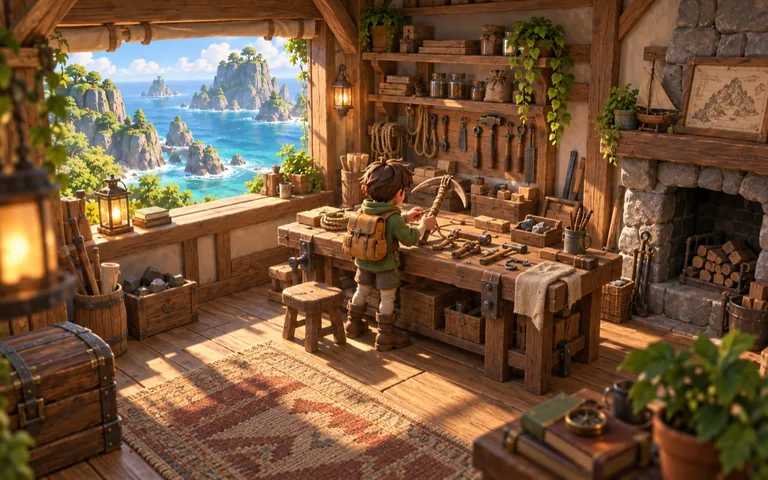
A coastal exploration game where gathering materials restores a workshop and opens new routes.
Examine progression patterns and relevant comparisons, then use the assessment to challenge the delay before a useful reward.
Make the first return worth it.
Prototype an earlier tool unlock. Watch whether players use it to explore somewhere new, then revise the design and assess again.
Illustrative design questions. Your assistant’s response depends on your brief, available game evidence and enabled Gameloom tools.

A game intelligence window.
Inside Unity.
Bring your concept or GDD into the Editor. Gameloom analyses the design you submit and returns an assessment, relevant comparisons and recommendations for your next iteration.
Get the Unity extension Free · Unity 2022.3+ · No account or API key- Install Gameloom: Game Concept Validation.
- Open Window → Gameloom.
- Bring your GDD, choose a platform and analyse.
 GameloomGame concept validation
Explore. Gather. Restore.
Workshop repairs open useful tools and routes. The first upgrade currently takes three expeditions.
The extension analyses your submitted design text. Scenes, code and assets stay in your development workflow. The illustration shows the journey; it is not a capture of the installed extension.
Bring the context.
Keep the decisions yours.
MCP, the Model Context Protocol, lets a compatible assistant request Gameloom tools. It gives your AI workflow access to maintained game intelligence and supported actions on your project.
- 1
Choose your connection
Follow the current Gameloom setup for your MCP client. Sign in and enable access for work that belongs to your account.
- 2
Bring your GDD or project
Analyse a concept or work with a saved game. Use the scorecard, relevant comparisons and design context to ask a useful question.
- 3
Review, save and assess
Review the proposed changes. Supported tools can save a GDD, update pricing, generate documents and request another assessment.

Building in Unreal, Godot or a custom engine?
Use your concept or GDD with Gameloom through a compatible AI assistant. The intelligence works at the design level, while your engine and development tools handle implementation. This is an engine-independent workflow; a native Gameloom Unreal plugin is not part of the current offering.

Twill is already inside Gameloom. You can also do the work in the app, with its AI advisor and design suite. MCP gives you another way to work with the same project.
See the productYour game.
Your way to build.
Start with a score. Work in Gameloom with Twill, or bring the intelligence into your AI workflow.